
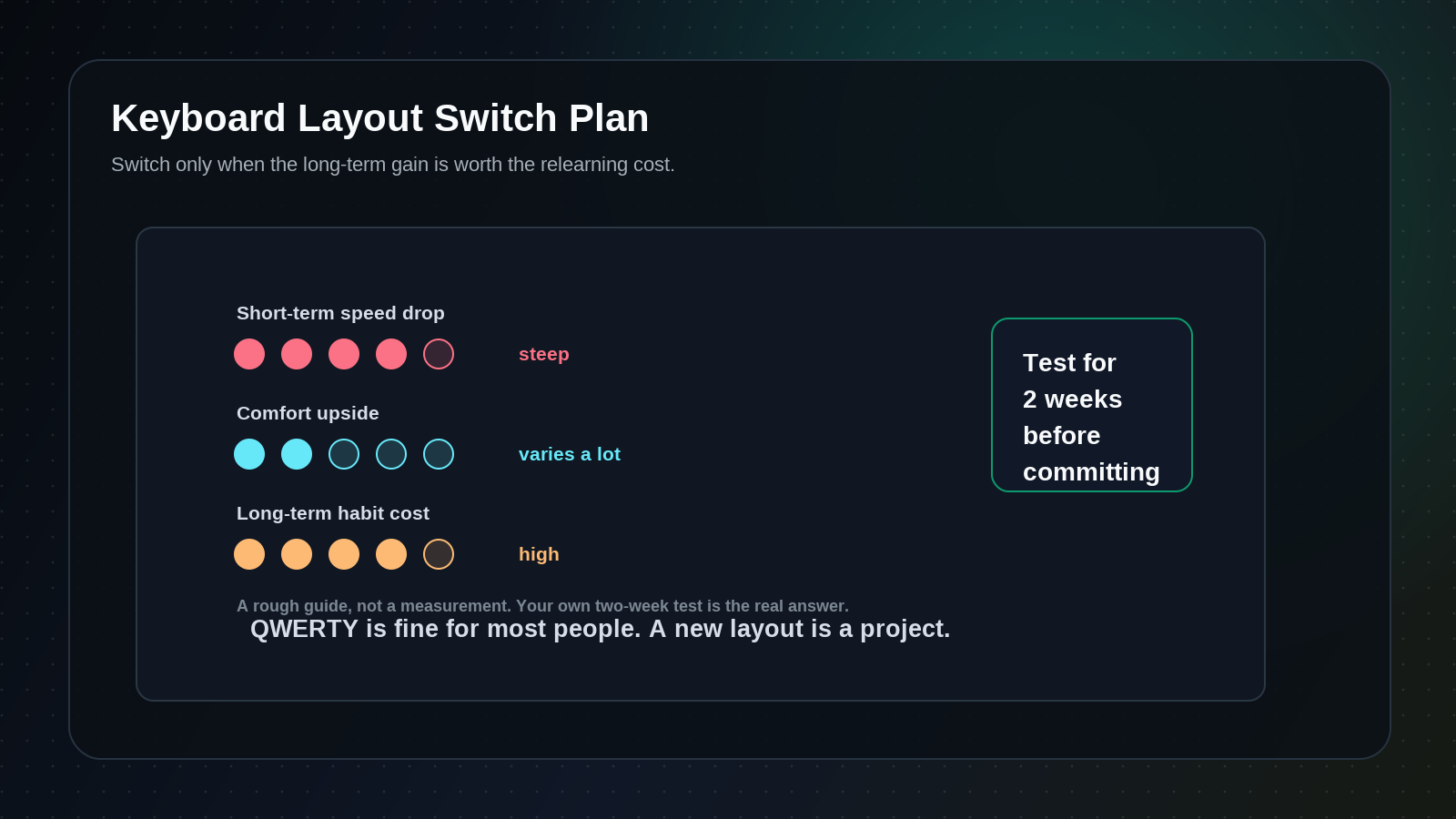
Most people do not need to switch away from QWERTY to type well. A new layout may help comfort or curiosity, but it costs time and can disrupt work while you relearn.
- Layout switching is a real learning project, not a quick speed hack.
- QWERTY can be fast if your accuracy and practice are strong.
- Switch layouts for comfort or interest, not because you expect instant WPM gains.
Free Keytopia typing test
Test your setup before you change it
Run the same test before and after a change. Compare errors, rhythm, reaction time, key overlap, and hold time.
- PaceAverage, raw, peak and low WPM
- ControlAccuracy, errors, consistency and CPM
- TimingReaction, overlap, hold, rhythm and recovery
- PatternsTimeline, heatmap, word, key and bigram speed
No account needed. Save your history after sign-in.
When switching can make sense
Switching may make sense if you enjoy the project, want a different pattern of finger travel, or use hardware designed around another layout. Claims about comfort are not medical evidence, and a layout change should not be used to treat pain.
It can also help you break the habit of looking at printed keys because the labels no longer match.
That said, the first weeks can feel rough. Plan for that.
When QWERTY is fine
QWERTY is not dead. Plenty of fast typists use it.
If you are learning touch typing for school, work, support, programming, or everyday writing, QWERTY may be practical because it is common on English-language devices. Availability varies by country and language.
If QWERTY fits your language and devices, improve practice there before assuming a layout switch will create a gain.
Run a low-risk layout trial
Do not switch your whole workday on day one.
Practice the new layout in short sessions. Keep your old layout available when real work has deadlines.
Measure comfort, accuracy, and stress. If the new layout feels better after a fair trial, keep going. If it only makes you miserable, it is okay to stop.
Test layouts on Keytopia
Keytopia supports many keyboard layouts, which makes it a practical place to experiment.
Use it to compare accuracy, comfort, and speed while you practice. Keep your real work on the layout you trust until the new one feels stable.
The point is not to win a layout argument. The point is to find a setup your hands can use well.
Switch layouts for a clear reason
Alternative layouts are interesting, and some people genuinely love them. But switching is expensive.
For a while, your shortcuts feel strange, shared computers feel annoying, and your old speed disappears. That cost may be worth it if you enjoy layout optimisation as a hobby, need a different language layout, or are willing to rebuild slowly. Do not use a layout switch as a treatment for pain.
It may not be worth it if your only goal is "get faster next month." A new layout does not guarantee a speed gain.
The practical layout is the one that fits your language, devices, shortcuts, workplace, and willingness to retrain.
How to test a new layout safely
If you are curious, run a trial without burning the house down.
First, save your current QWERTY baseline on Keytopia: one-minute, three-minute, and a comfortable longer test. Then try the new layout in short sessions for a week. Do not switch all work devices immediately. Keep important work, passwords, and deadlines on the layout you trust.
After a week, ask whether you enjoyed the practice enough to survive the slow middle. If yes, continue. If not, no harm done.
Layouts are tools, not identities. Pick the one that helps you type cleanly, comfortably, and often.
Remember the shortcut cost
A layout switch changes more than letters.
Shortcut muscle memory can take a hit too, especially for editing commands you use without thinking. Copy, paste, undo, save, find, comment, rename, and browser shortcuts may feel strange even if the letters are technically still reachable.
Before switching, list the shortcuts you use daily. If those workflows are mission-critical, keep QWERTY available while the new layout becomes safe.
FAQs
Is Colemak faster than QWERTY?
It can feel smoother for some typists, but it is not automatically faster. Your practice, accuracy, and comfort matter more than the layout name.
Is Dvorak worth learning?
It can be worth it if you enjoy layout experiments or want a different feel. It is not required for strong typing speed.
Will switching layouts hurt my work?
It can slow you down during the transition. Practice outside urgent work until the new layout is reliable.
Should beginners learn Colemak or QWERTY first?
Use the layout that matches the learner’s language, devices, school, workplace, and accessibility needs. QWERTY is common for English, but it is not universal.
Sources
Independent research, official documentation, and source pages behind the claims above.
Key takeaway
Switch keyboard layouts only if the reason is strong enough to justify relearning. A different layout is optional, not a guaranteed speed or comfort upgrade.
Free Keytopia typing test
Test your setup before you change it
Run the same test before and after a change. Compare errors, rhythm, reaction time, key overlap, and hold time.
No account needed. Save your history after sign-in.
- PaceAverage, raw, peak and low WPM
- ControlAccuracy, errors, consistency and CPM
- TimingReaction, overlap, hold, rhythm and recovery
- PatternsTimeline, heatmap, word, key and bigram speed