
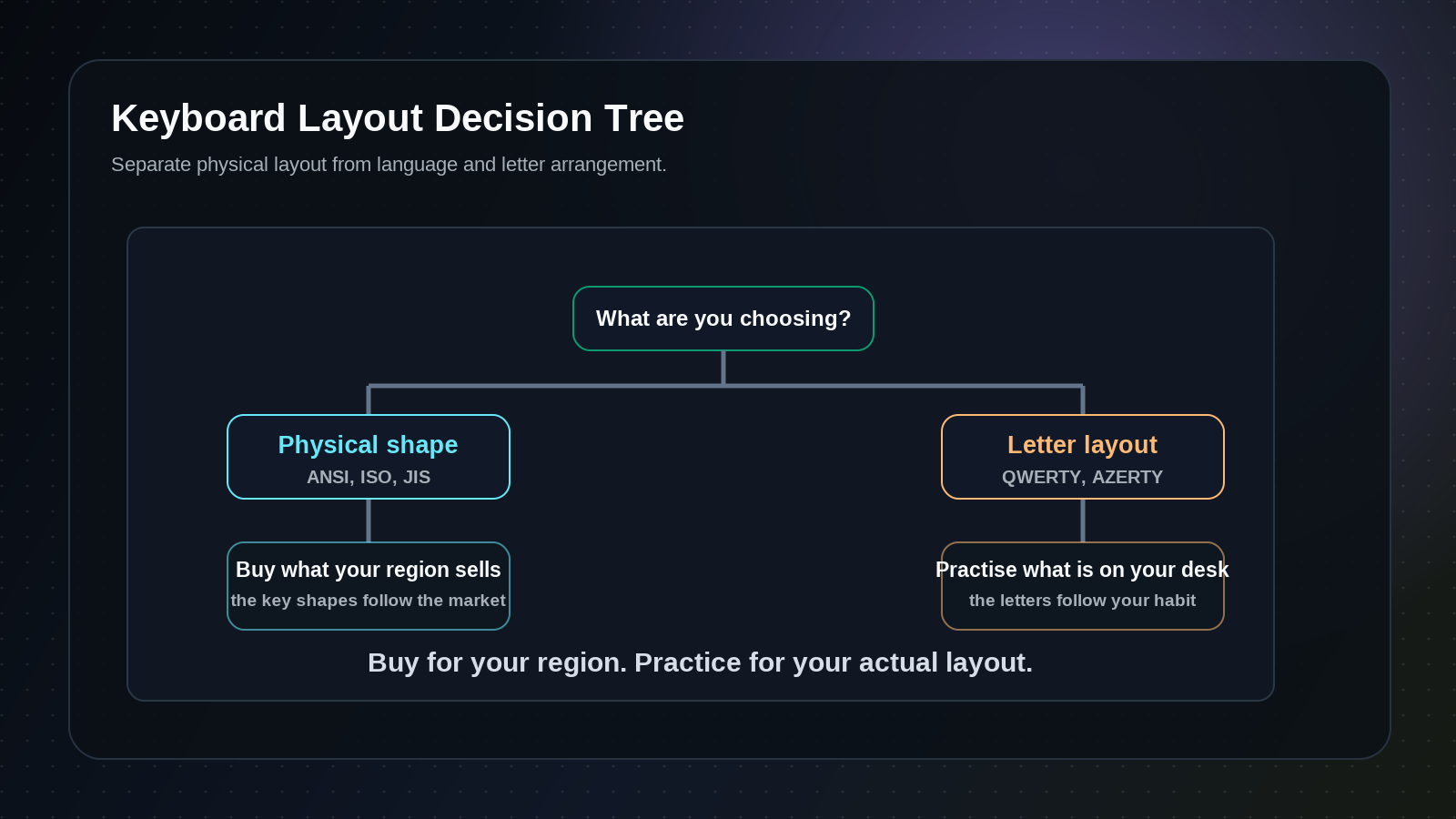
ANSI, ISO, and JIS describe physical keyboard shapes. QWERTY, AZERTY, QWERTZ, Dvorak, and Colemak describe character layouts. You can change the software layout more easily than the physical key shape.
- Physical layout is the shape and count of keys.
- Logical layout is what characters the operating system produces.
- Buying the wrong physical layout can make typing punctuation and shortcuts annoying.
Free Keytopia typing test
Test your setup before you change it
Run the same test before and after a change. Compare errors, rhythm, reaction time, key overlap, and hold time.
- PaceAverage, raw, peak and low WPM
- ControlAccuracy, errors, consistency and CPM
- TimingReaction, overlap, hold, rhythm and recovery
- PatternsTimeline, heatmap, word, key and bigram speed
No account needed. Save your history after sign-in.
ANSI layout
ANSI is common in the United States and many keyboards sold for North American users.
Pros: wide availability, common in gaming and mechanical keyboard markets, familiar to many English-language typists.
Cons: not always ideal for people who need ISO-style language keys or a larger Enter key.
Pick ANSI if your work, school, and muscle memory already use it.
ISO layout
ISO is common in many European keyboard variants.
Pros: supports many regional layouts well, has an extra key near left Shift, and uses a tall Enter key.
Cons: shorter left Shift can surprise ANSI users, and keycap compatibility may need more attention.
Pick ISO if your language layout or local keyboard habit expects it.
JIS layout
JIS is used in Japan and includes keys designed for Japanese input.
Pros: useful for Japanese typing and local keyboard expectations.
Cons: unusual for many international users, and it can feel crowded if you are used to ANSI or ISO.
Pick JIS if Japanese input and local compatibility matter to you.
QWERTY, AZERTY, QWERTZ, Dvorak, and Colemak
QWERTY is common in English-language typing.
AZERTY is used in French contexts. QWERTZ is common in several Central European contexts.
Dvorak and Colemak are alternative layouts people often try for comfort, efficiency, or curiosity.
The practical rule is simple: use the layout your real devices and real work support. Switching can be worth it, but only if you can survive the relearning period.
Keyboard layout facts at a glance
Two tables cover the two decisions. The first is about the physical board, the second about the software layout.
| Physical layout | Enter key | Left Shift | Extra keys | Common where |
|---|---|---|---|---|
| ANSI | Wide, one row tall | Wide | None | United States, most keyboards sold for North America |
| ISO | Tall, two rows | Short, with one extra key beside it | 1 more than ANSI | Most of Europe and many regional layouts |
| JIS | Tall | Shorter, with an extra key | Several keys for Japanese input, plus a narrower space bar | Japan |
| Software layout | Type | Main difference from QWERTY | Used mostly for |
|---|---|---|---|
| QWERTY | Language layout | The reference layout | English and many other languages |
| AZERTY | Language layout | A and Q, Z and W swap; M moves next to L; accented letters on the number row | French |
| QWERTZ | Language layout | Y and Z swap; umlauts and other accents on the right | German and several Central European languages |
| Dvorak | Alternative layout | Vowels on the left home row, common consonants on the right | People willing to relearn for comfort |
| Colemak | Alternative layout | Keeps most QWERTY positions and shortcuts, moves a limited set of letters | People who want a smaller relearning cost |
Keytopia supports 50 keyboard layouts and 39 practice languages, so you can type a test in the layout you are considering before you buy or switch. The keyboard layout analyzer shows what your current operating-system layout sends.
Buying tips
Check the Enter key shape.
Check left Shift.
Check whether the keyboard is ANSI, ISO, or JIS before buying keycaps.
Check whether your operating system layout matches the printed legends.
If you share computers, use public keyboards, or work across countries, choose the layout you will actually meet most often.
Practice layouts on Keytopia
Keytopia supports many keyboard layouts and languages, which makes it useful when you are testing a new setup.
Practice slowly at first. Compare accuracy and comfort. Then decide whether the switch is helping or just making simple typing harder.
Layout experiments should serve your typing, not become a permanent distraction.
Physical layout and language layout are different choices
ANSI, ISO, and JIS describe the physical keyboard shape: Enter key, left Shift, extra keys, and bottom-row differences. QWERTY, AZERTY, QWERTZ, Dvorak, and Colemak describe where letters and characters are mapped.
Those two ideas get mixed up constantly.
You can have an ISO keyboard that uses QWERTY. You can have an ANSI keyboard that types another software layout. You can also own a keyboard whose printed legends do not match the layout selected in your operating system.
Before buying, check both questions:
- What physical keyboard do I want?
- What software layout will I type in?
Getting one right does not automatically fix the other.
Match the layout to the text you type most
A good layout supports your language and your work.
If you write in French, German, Japanese, or another language with frequent accents or input-mode needs, local layouts exist for a reason. If you code in English-heavy syntax, you may care more about brackets, slashes, quotes, and shortcuts. If you share computers often, a common local layout may create less workflow friction than a personal optimisation.
There is no universal winner because keyboards are social tools too. They have to work with your desk, your language, your shortcuts, your school or office, and the machines you borrow.
Practice on the layout you will actually use. That is the layout your hands need to know.
FAQs
What is the difference between ANSI and ISO?
ANSI and ISO are physical layouts. ISO usually has a tall Enter key and an extra key near the left Shift. ANSI usually has a wider left Shift and a horizontal Enter key.
Can I use QWERTY on an ISO keyboard?
Yes, software can map keys to QWERTY, but the physical key shapes and printed legends may not match what you expect.
Is AZERTY better than QWERTY?
It depends on language and habit. AZERTY is common for French typing. QWERTY is common for English. The best layout is the one that fits your language and devices.
Should I switch to Dvorak or Colemak?
Only if you have a clear reason and enough time to relearn. Most people should master their current layout first.
Sources
Independent research, official documentation, and source pages behind the claims above.
- WASD Support, ANSI vs ISOhttps://support.wasdkeyboards.com/hc/en-us/articles/4577799551127-ANSI-vs-ISO-what-s-the-difference
- Wikimedia Commons comparison of ANSI, ISO, and JIShttps://commons.wikimedia.org/wiki/File:Physical_keyboard_layouts_comparison_ANSI_ISO_JIS.png
- Microsoft, Windows keyboard layout identifiershttps://learn.microsoft.com/en-us/globalization/windows-keyboard-layouts
Key takeaway
Do not mix up physical and logical layouts. ANSI, ISO, and JIS are keyboard shapes. QWERTY, AZERTY, QWERTZ, Dvorak, and Colemak are mappings. Choose based on your real language, devices, and daily work.
Free Keytopia typing test
Test your setup before you change it
Run the same test before and after a change. Compare errors, rhythm, reaction time, key overlap, and hold time.
No account needed. Save your history after sign-in.
- PaceAverage, raw, peak and low WPM
- ControlAccuracy, errors, consistency and CPM
- TimingReaction, overlap, hold, rhythm and recovery
- PatternsTimeline, heatmap, word, key and bigram speed