
To type numbers and punctuation faster, stop treating them as extras. Practice them in short real phrases, then move into full sentences, forms, code snippets, and longer text.
- Numbers and punctuation slow people down because they appear less often in easy typing tests.
- The fix is short, repeated drills in real context.
- Accuracy matters more here because one wrong symbol can change the meaning.
Free Keytopia typing test
Take a typing test and inspect real keyboard control
Go beyond one WPM number with performance timeline, word speed, per-key speed, weak keys, and bigram analysis.
- PaceAverage, raw, peak and low WPM
- ControlAccuracy, errors, consistency and CPM
- TimingReaction, overlap, hold, rhythm and recovery
- PatternsTimeline, heatmap, word, key and bigram speed
No account needed. Save your history after sign-in.
Why punctuation ruins your rhythm
Easy word tests can hide weak punctuation.
Then a quote, email, form, or code snippet appears and your hands suddenly feel lost.
That does not mean you are bad at typing. It means you have practiced words more than symbols.
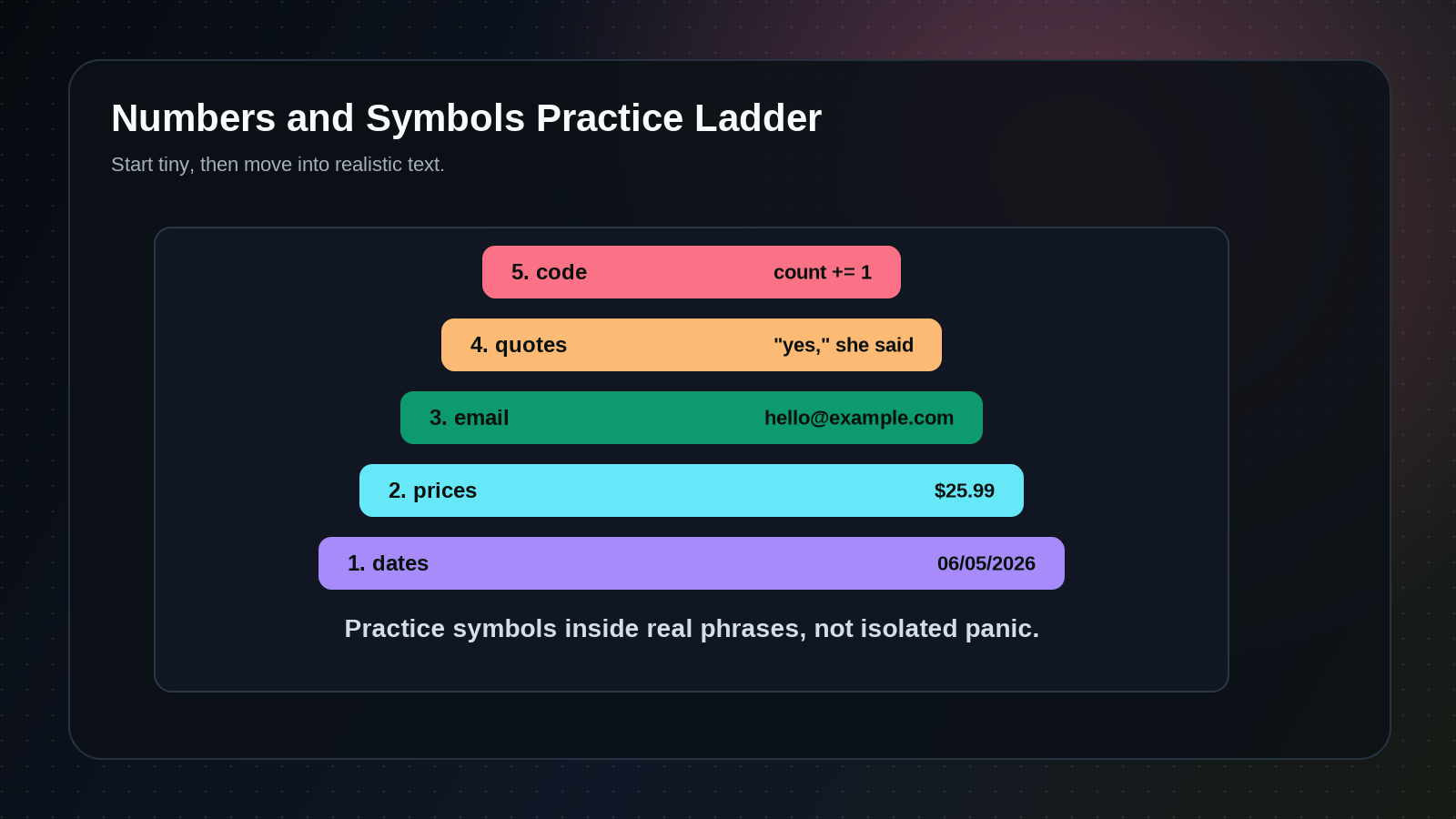
Start with tiny patterns
Do not begin with a giant punctuation-heavy paragraph.
Start small:
- Dates: 06/05/2026, 12-14-2026.
- Money: $25.99, 1,250, 8.5%.
- Email text: hello@example.com.
- Quotes: "yes," she said.
- Code shapes: user_id, item.name, count += 1.
Repeat the pattern until your hands stop freezing.
Move into real text
After drills, use full sentences with punctuation. Then use forms, addresses, prices, filenames, and snippets.
This step matters because real text has rhythm. You need to move from words to symbols and back without losing the sentence.
If your speed drops, let it drop. Accuracy is the first win.
Practice the number row slowly
Many people avoid the number row because it feels far away.
Practice numbers in groups. Try years, phone-style chunks, prices, and measurements.
If you use a numpad, practice that too. The best setup is the one you actually use in work or school.
Practice symbols on Keytopia
Keytopia is useful when plain words are no longer enough.
Use it to mix normal text with numbers, punctuation, code, games, and races so symbols stop feeling like rare surprises.
That is the difference between a typing score and typing skill you can use in emails, forms, invoices, code, and daily work.
Treat numbers and symbols as their own mini layout
Numbers and punctuation feel hard because they sit outside the alphabet map most people practice.
The fix is to stop treating them as interruptions. Learn them as neighborhoods.
The number row has left-hand and right-hand zones. Common punctuation has clusters: comma and period together, slash nearby, quotes and semicolon together, brackets together, minus and equals together. Once you see the clusters, the keyboard feels less random.
Practice one cluster at a time. A drill for 1 2 3 4 5 is different from a drill for 6 7 8 9 0. A drill for comma and period is different from one for quotes and colon.
Small clusters build cleaner memory than one giant symbol soup.
Use real examples instead of random punctuation
Random symbols are useful for testing, but real examples are better for learning.
Practice phone numbers, dates, prices, percentages, email addresses, file names, short equations, usernames, and code-like fragments. These are the places where numbers and punctuation show up in actual work.
Try lines like:
- invoice #2047 is due on 06/30
- save report_v2-final.pdf
- target_accuracy >= your_required_accuracy
That kind of practice teaches not only the key positions, but also the rhythm around them. The goal is to make symbols feel like part of typing, not a speed bump between words.
Put the number row in the warm-up
Most people avoid the number row until a test or a password forces it on them. That is why it stays awkward.
Add one minute of number-row practice before normal typing. Use simple patterns first: 12345, 67890, 2026, 95%, 10/10. Then mix numbers into words.
You are not trying to become a data-entry specialist overnight. You are teaching your hands that numbers are part of the keyboard, not a separate emergency.
FAQs
Why does my typing speed drop with punctuation?
You probably practice plain words more often than punctuation. Your hands know the letters better than the symbol patterns.
Should I use the number row or numpad?
Use the one your work needs most. If you handle lots of numbers, the numpad can help. If you type mixed text and code, the number row still matters.
How do I practice symbols for coding?
Practice the symbols your language uses often. Braces, brackets, quotes, underscores, slashes, dots, and equals signs are good starting points.
Do punctuation tests improve normal WPM?
They may lower your short-term score, but they make your real typing more useful because normal writing includes punctuation.
Sources
Independent research, official documentation, and source pages behind the claims above.
Key takeaway
Numbers and punctuation get faster when you practice them as real typing, not as rare surprises. Start tiny, stay accurate, then add real context.
Free Keytopia typing test
Take a typing test and inspect real keyboard control
Go beyond one WPM number with performance timeline, word speed, per-key speed, weak keys, and bigram analysis.
No account needed. Save your history after sign-in.
- PaceAverage, raw, peak and low WPM
- ControlAccuracy, errors, consistency and CPM
- TimingReaction, overlap, hold, rhythm and recovery
- PatternsTimeline, heatmap, word, key and bigram speed