
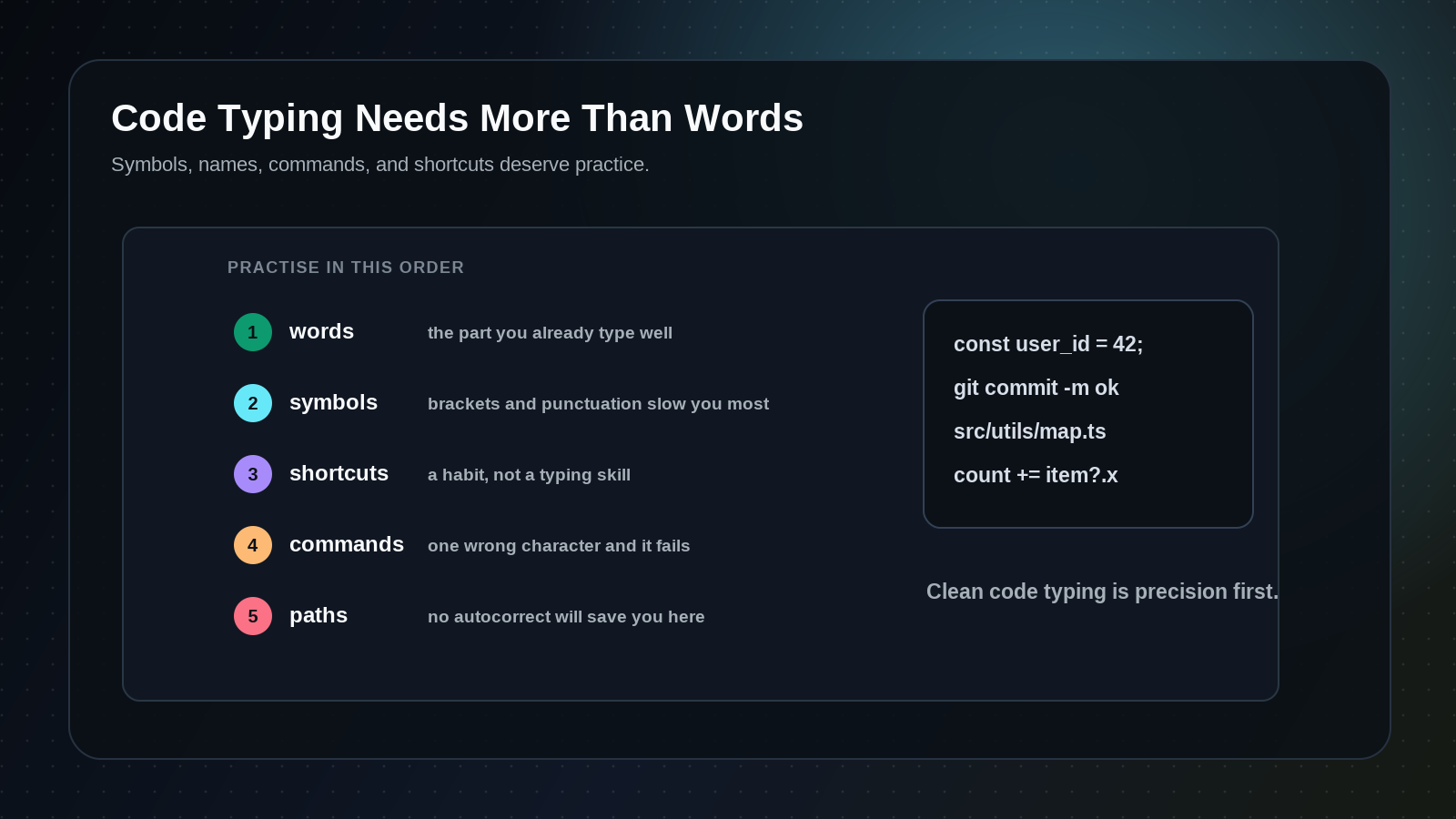
Programmers should practice normal words, but they also need symbols, numbers, shortcuts, filenames, and command-line text. Code typing is slower because precision matters more than raw WPM.
- Programming typing speed is not the same as a normal word test.
- Symbols, braces, numbers, and shortcuts deserve separate practice.
- For coding, fewer wrong characters beat a flashy WPM score.
Free Keytopia typing test
Take a typing test and inspect real keyboard control
Go beyond one WPM number with performance timeline, word speed, per-key speed, weak keys, and bigram analysis.
- PaceAverage, raw, peak and low WPM
- ControlAccuracy, errors, consistency and CPM
- TimingReaction, overlap, hold, rhythm and recovery
- PatternsTimeline, heatmap, word, key and bigram speed
No account needed. Save your history after sign-in.
Coding is not a normal typing test
Most typing tests use common words. Code does not behave like that.
Code has braces, underscores, numbers, slashes, quotes, flags, filenames, and case-sensitive names. One wrong character can break the whole thing.
So if you are a programmer, do not judge your typing only by a clean English word test. It is useful, but it is incomplete.
Practice the symbols you actually use
Start with the symbols that show up in your language or tools.
JavaScript and TypeScript need braces, brackets, quotes, dots, arrows, and equals signs.
Python needs indentation, underscores, parentheses, quotes, and colons.
Shell commands need slashes, dashes, pipes, quotes, paths, and flags.
Practice should match the work you do most often.
Shortcuts matter too
Typing faster is helpful, but programmers also move around text all day.
Practice shortcuts for search, save, rename, jump to line, switch tabs, select words, and open command palettes.
A developer who types 65 WPM and navigates well may work faster than a developer who types 95 WPM but fights the editor.
Use code-like drills
Practice small snippets. Practice imports. Practice filenames. Practice terminal commands.
Do not only copy random code for speed. Read it. Notice the structure. Type it cleanly.
The goal is not to become a typing-test celebrity. The goal is to make the keyboard disappear while you think about the problem.
Practice code on Keytopia
Keytopia includes code practice, so programmers do not have to rely only on plain word tests.
Use it to train symbols, identifiers, code-shaped text, and normal typing in the same routine. Then use analytics to see whether the issue is speed, accuracy, rhythm, corrections, or specific keys. Pair that with your editor shortcuts in real work.
For developers, the best typing platform is not the one with the prettiest one-minute score. It is the one that helps your hands stay accurate while your brain stays on the problem.
Programmers need symbol fluency, not only letter speed
A normal typing test can make a programmer feel faster than they are.
Code includes brackets, braces, quotes, underscores, hyphens, equals signs, slashes, pipes, angle brackets, camelCase, snake_case, file paths, imports, and short edits in the middle of a line. Those movements are different from typing plain sentences.
That does not mean you should practice random code for hours. It means you should isolate the characters that break rhythm. If braces slow you down, drill braces. If quotes create mistakes, drill quotes. If your right pinky gets lost around semicolon and slash, train that area slowly.
Letter speed helps. Symbol control is what makes code feel calm.
Practice with snippets, not giant files
The best code-typing practice is short and repeatable.
Use snippets like function signatures, object literals, import lines, CSS rules, SQL clauses, test assertions, shell commands, and Markdown links. These are the bits programmers type or edit constantly.
A giant file is too noisy for practice. A focused snippet tells you exactly where the problem is.
On Keytopia, use code-oriented practice or custom text for the symbols and patterns you touch every day. A React developer, a Python developer, and a data analyst should not all practice the same symbol mix. Your keyboard practice should look a little like your work.
Treat recurring typos like bugs
Programmers already know how to debug a repeat failure. Use the same mindset for typing.
If you keep typing cosnt instead of const, missing underscores, or hitting the wrong bracket, do not just sigh and move on. Write the pattern down and drill it directly. A recurring typo is not random; it is a reproducible issue in your finger path.
Fixing one repeated code typo can save more time than raising your general WPM by a point.
FAQs
What is a good typing speed for programmers?
There is no standard programmer WPM. Faster input can reduce friction, but programming also depends on reading, design, debugging, navigation, and tool knowledge. Use code-shaped tests instead of judging yourself only on common words.
Should programmers practice normal typing tests?
Yes, but not only normal tests. Add punctuation, symbols, numbers, snippets, and command-line practice.
Does typing faster make you a better programmer?
Not by itself. It can reduce friction, but it does not replace problem solving, reading code, or debugging skill.
How do I type code faster?
Practice common symbols, learn editor shortcuts, use snippets wisely, and slow down enough that you do not create avoidable syntax errors.
Sources
Independent research, official documentation, and source pages behind the claims above.
Key takeaway
For programmers, useful typing practice includes words, symbols, commands, and editor movement. Accuracy is not optional because code punishes tiny mistakes.
Free Keytopia typing test
Take a typing test and inspect real keyboard control
Go beyond one WPM number with performance timeline, word speed, per-key speed, weak keys, and bigram analysis.
No account needed. Save your history after sign-in.
- PaceAverage, raw, peak and low WPM
- ControlAccuracy, errors, consistency and CPM
- TimingReaction, overlap, hold, rhythm and recovery
- PatternsTimeline, heatmap, word, key and bigram speed