
A typing game may increase practice and motivation, but improvement does not automatically transfer to normal typing. Compare a like-for-like text test before and after a fixed period, and track accuracy as well as speed.
- Games can make repetition feel less dull for some learners.
- Bad game habits can train rushing, tension, and messy accuracy.
- The best setup uses games for motivation and normal practice for control.
Free Keytopia typing test
Take a typing test and turn the advice into a result
Start with WPM and accuracy, then inspect consistency, weak keys, per-key speed, reaction time, and slow letter pairs.
- PaceAverage, raw, peak and low WPM
- ControlAccuracy, errors, consistency and CPM
- TimingReaction, overlap, hold, rhythm and recovery
- PatternsTimeline, heatmap, word, key and bigram speed
No account needed. Save your history after sign-in.
Games solve the boredom problem
Typing improvement needs relevant practice.
Repetition can get boring fast.
Typing games add pressure, rewards, competition, sound, movement, and small goals. These features can motivate one learner and distract or stress another. More game time is useful only when it practises the keys and behaviour that the learner needs.
Games are not magic
A game can make you type more. It does not always make you type better.
If the game rewards rushing through mistakes, your accuracy may get worse.
If it makes your hands tense, your rhythm may suffer.
The game is useful only if the practice quality stays good.
Use games for pressure
Pressure is part of real typing.
You may need to answer a chat quickly, finish an exam response, submit a form, or race a deadline.
Games can train calm under pressure. The trick is to keep breathing, keep accuracy visible, and avoid smashing keys just to win.
Mix games with normal practice
A healthy routine might look like this:
- Lessons or accuracy work first.
- A game for energy.
- A normal typing test once or twice a week.
- Real text so the skill transfers.
Games are the spark. They should not be the whole fire.
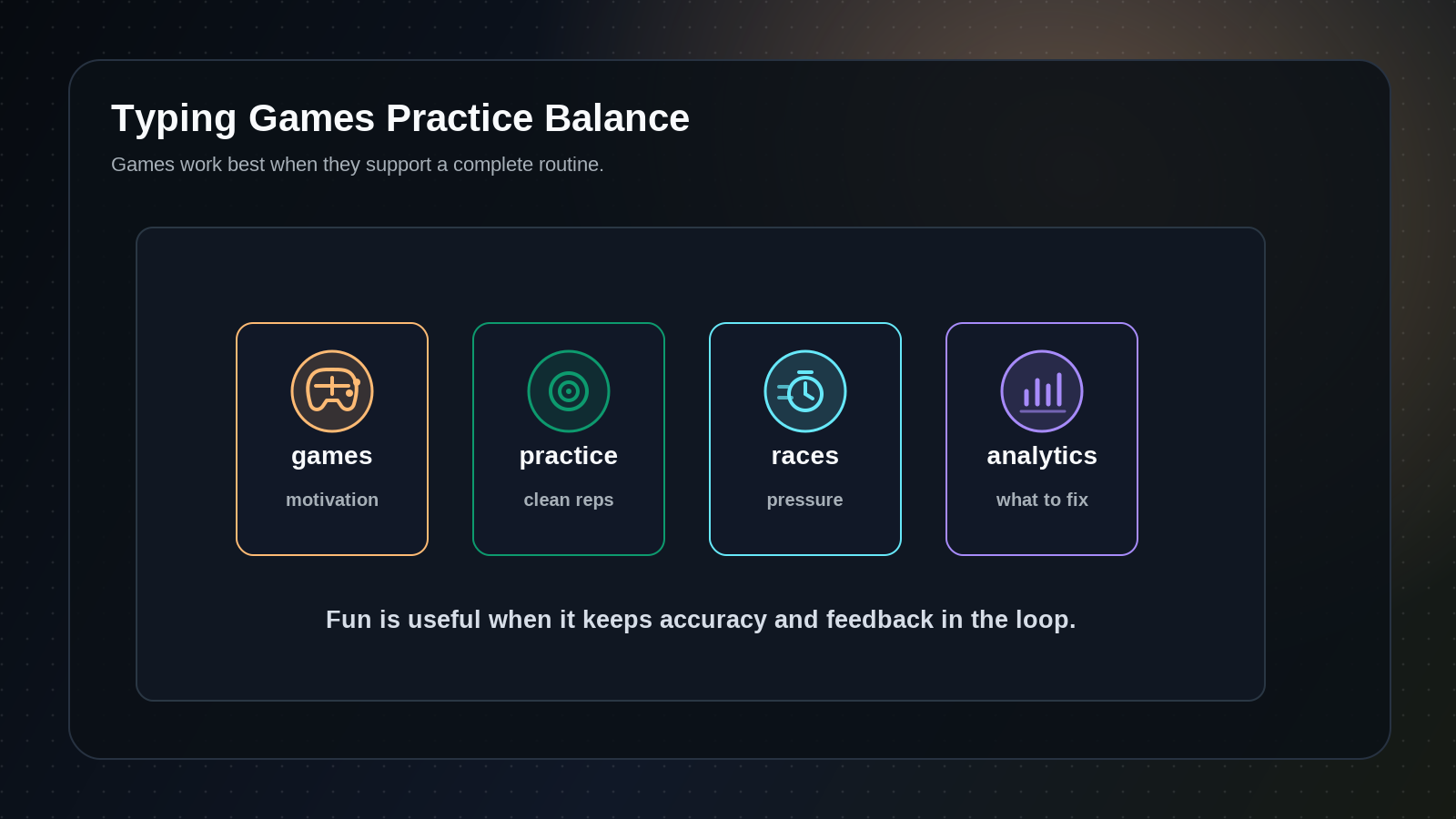
How to use Keytopia games as an experiment
Keytopia is built around variety, not only one racing loop.
You can use mini games, 3D racing, normal practice, lessons, deep analytics, badges, levels, certificates, native race rooms, and classroom tools in the same platform.
Choose one game that matches a skill, such as symbols, shortcuts, accuracy under pressure, or sustained text. Record a normal test before the game block. After several sessions, repeat the same normal test. Keep the game only if the target measure improves or the learner returns more willingly without a drop in accuracy.
Games work best after a tiny skill target
Typing games are great for practice volume. They make repetition feel less like homework.
But games alone can also teach you to survive mistakes instead of fixing them. If the only goal is to keep up with falling words or beat another player, you may rush past the exact habit that needs attention.
Use a small target before you play: today I am meeting the accuracy required by my task, today I am watching punctuation, today I am not looking down, or today I am keeping my shoulders relaxed.
Then play. The game gives energy; the target gives direction.
Use races for pressure, lessons for repair
Pressure is useful in small doses. A race shows whether your skill survives when a clock and another player are involved.
Repair happens somewhere quieter. If a race exposes missed capitals, weak pinky keys, or panic backspacing, take that information back into a lesson or normal practice run.
Keytopia is built for that loop: test, lesson, game, race, review, repeat. When games sit inside a broader practice system, they become more than entertainment. They become a way to practice staying accurate when the room gets louder.
Let the scoreboard point to the next drill
A game score is useful if it tells you what to do next.
If you lose because you froze under pressure, practice short timed tests. If you lose because of typos, go back to accuracy. If you lose when words get longer, practice longer passages. If punctuation breaks you, isolate punctuation.
That way the game stays fun while still feeding the boring work that actually raises your skill.
End with one normal typing run
After a game session, finish with one ordinary typing test or lesson.
That final run tells you whether the game improved control or just raised adrenaline. If your normal typing feels sharper, keep that game in the rotation. If your accuracy falls apart, use the game more sparingly or play it after accuracy practice instead of before.
Fun should feed skill. A quick final check keeps the loop honest.
FAQs
Can typing games make me faster?
They can help some learners, but the result depends on the game and the transfer test. Compare the same normal typing test before and after several sessions.
Are typing games good for kids?
They can be great for motivation. Keep sessions short and make sure the game does not create stress or reward careless errors.
Should I use typing games or lessons?
Use both. Lessons teach the structure. Games keep repetition interesting. Tests measure progress.
Are racing games good typing practice?
They are good for pressure and motivation. Balance them with slower accuracy work so your typing does not get tense.
Sources
Independent research, official documentation, and source pages behind the claims above.
Key takeaway
Treat a typing game as one training format. Check whether its gains transfer to the same normal test and to the text the learner actually needs.
Free Keytopia typing test
Take a typing test and turn the advice into a result
Start with WPM and accuracy, then inspect consistency, weak keys, per-key speed, reaction time, and slow letter pairs.
No account needed. Save your history after sign-in.
- PaceAverage, raw, peak and low WPM
- ControlAccuracy, errors, consistency and CPM
- TimingReaction, overlap, hold, rhythm and recovery
- PatternsTimeline, heatmap, word, key and bigram speed