
Good typing lessons for kids are short, predictable, and focused on correct movement before speed. Teach a small group of keys, use meaningful words, include breaks, and measure personal progress. Avoid public rankings and unsupported speed targets.
- Children need a sequence, not an endless typing game.
- Personal progress is more useful than comparison with adults or classmates.
- Privacy, accessibility, and teacher oversight matter as much as lesson content.
Free Keytopia typing test
Take the same baseline you would give a learner
See the learner result first-hand, including WPM, accuracy, consistency, weak keys, rhythm, and error recovery.
- PaceAverage, raw, peak and low WPM
- ControlAccuracy, errors, consistency and CPM
- TimingReaction, overlap, hold, rhythm and recovery
- PatternsTimeline, heatmap, word, key and bigram speed
No account needed. Save your history after sign-in.
Start with the purpose
Decide what the learner needs to do.
A young beginner may need to find letters without fear. An older student may need to type assignments while looking at the screen. A learner with an access need may use a different hand map or device.
The purpose determines the lesson. It also prevents speed from becoming the only goal.
Use a simple lesson sequence
A beginner sequence can follow this order:
- Learn a small key group and its finger positions.
- Type short combinations slowly.
- Use the keys in real words.
- Type one or two clear sentences.
- Finish with a short review.
Add new keys only when the current group feels familiar. Keep old keys in later lessons so they are not forgotten.
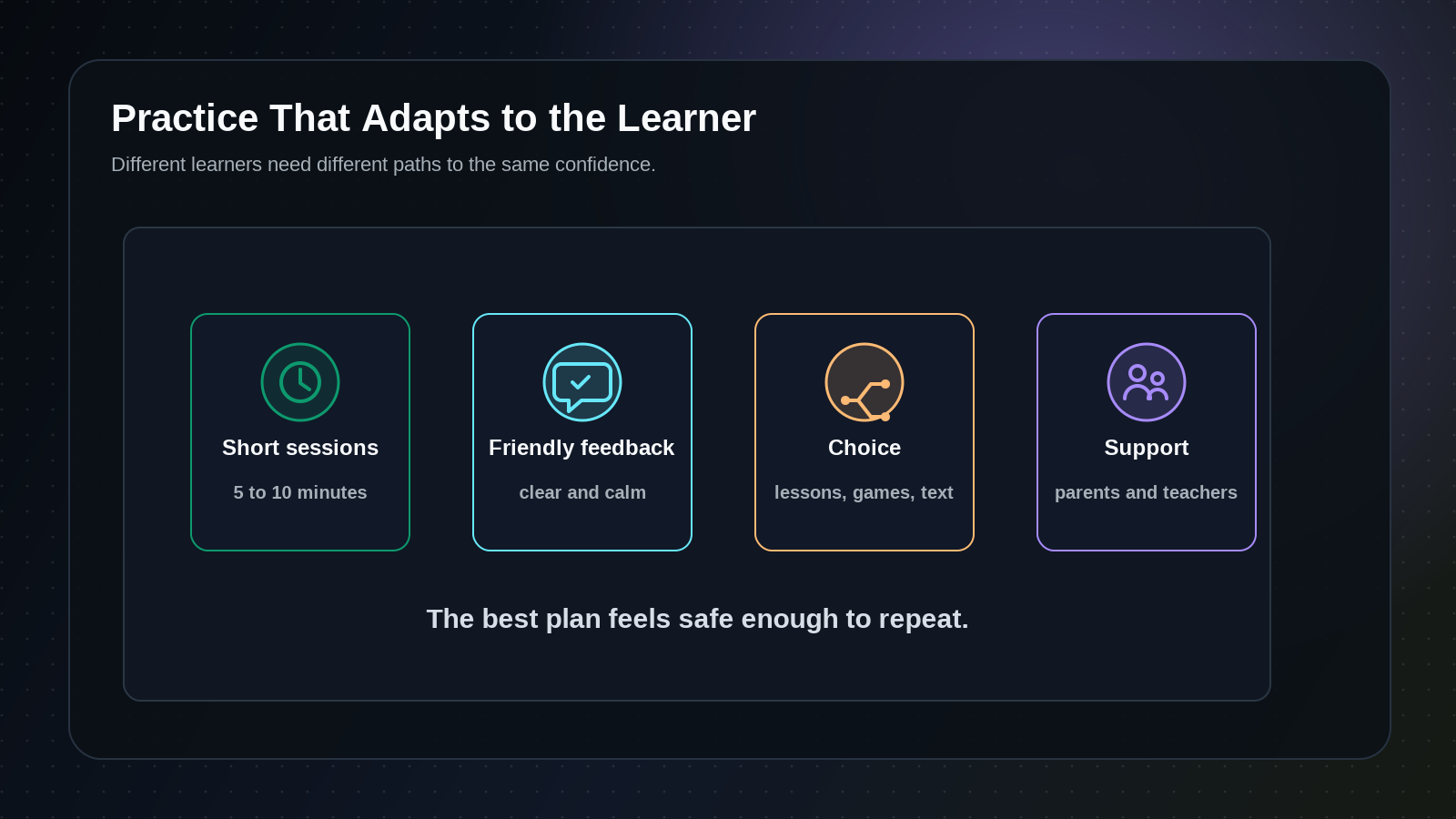
Keep sessions short
Ten focused minutes may be enough for a beginner. Stop earlier when attention or form falls.
Use a predictable routine: settle the posture, review known keys, learn one small idea, type a short passage, then note one success.
Long sessions can turn into repeated errors and frustration. Frequency matters more than making one lesson exhausting.
Teach accuracy without perfection pressure
Ask the learner to type at a pace they can control. Praise looking at the screen, using a planned finger, noticing an error, or finishing a calm line.
Do not treat every mistake as failure. Errors show which movement needs another example.
Use speed as one later measure. A child's score should not be compared with an adult benchmark that was built for a different task and body.
Use games with a learning goal
A game can improve motivation, but the game should practise the keys the learner is studying.
Choose games that allow a suitable pace and do not punish every slow response. Follow the game with a short sentence task. This checks whether the movement transfers beyond the game.
Avoid making a public leaderboard the center of the lesson. It can reward rushing and discourage learners who need a different pace.
Check privacy and accessibility
Before using a classroom product, review what student data it collects, who can see results, and how accounts are managed.
Offer zoom, contrast, reduced motion, audio, alternate keyboards, breaks, or another input method when needed. Do not force a standard finger map when it causes pain or conflicts with an access plan.
Keytopia's school tools are designed to give teachers assignments and progress views. Schools should still review their own privacy, safeguarding, and accessibility requirements before adoption.
Use this ten-minute beginner lesson
A short lesson can teach one movement and end with a clear success.
Try this example for F, J, and the home-row position:
- Spend one minute checking the chair, screen, and relaxed hand position.
- Spend two minutes finding the raised marks on F and J without looking down.
- Spend two minutes typing short patterns such as fj, jf, ff, and jj.
- Spend two minutes adding known keys to make short words.
- Spend two minutes typing one simple sentence.
- Spend one minute naming one success and one key to review next time.
The lesson has no speed target. Watch for calm returns to F and J, eyes on the screen, and comfortable movement.
When the learner loses the hand position, pause and reset. Do not let several uncertain lines become practice for the wrong movement. When the learner finishes early, use a new sentence with the same keys. Do not add a large new key group as a reward.
Choose the next lesson from the result
Use the result to ask a teaching question. Do not use it as a rank.
Follow this decision guide:
- Many errors on one new key: keep the same key group and use easier words.
- Errors spread across the keyboard: reduce the pace and review home position.
- Good accuracy with frequent peeking: use a shorter eyes-up task.
- Good first minute with a late drop: shorten the session or add a break.
- High speed with low accuracy: remove the speed goal for the next lesson.
- Stable copy test but weak classroom writing: practise a real sentence or paragraph task.
For example, a child may finish at 18 WPM with 96 percent accuracy but make most mistakes on R. The next lesson should not repeat the whole keyboard. Use a two-minute R drill, then place R inside known words and one sentence.
Keep feedback private. A child should know the next action without being compared with the fastest student.
Check whether the skill transfers to real work
Copy tests measure copying. Children also need to use the keyboard while thinking, editing, and writing their own ideas.
Add one transfer task each week:
- Type two original sentences about a class topic.
- Copy a sentence, then change one detail.
- Type a short answer from notes.
- Add a title, capital letters, and full stops.
- Correct one sentence without deleting the whole line.
Do not compare the transfer-task WPM with a word-list test. The learner is doing more thinking. Look for keyboard independence, correct use of the keys taught, basic editing, and comfort.
A learner who scores well in a game but cannot type a classroom sentence needs more transfer practice. A learner who types a useful paragraph slowly may be making meaningful progress even when the WPM number changes little.
FAQs
What age should kids start typing lessons?
There is no single required age. Start when keyboard use supports the child’s school or access needs and they can take part without strain.
How long should a child practise typing?
A short focused session is usually better than a long tired one. Begin around five to ten minutes and adjust for the learner.
What WPM should a child type?
Avoid a universal target without context. Track accuracy, independence, comfort, and personal improvement for the tasks the child needs to complete.
What should I do when a child keeps looking at the keyboard?
Shorten the task, use easier text, and practise returning to F and J by touch. Praise one successful eyes-up line. Do not cover the hands when that makes the learner anxious or conflicts with an access need.
Sources
Independent research, official documentation, and source pages behind the claims above.
- UNICEF, child protection in digital educationhttps://www.unicef.org/documents/child-protection-digital-education
- W3C Web Accessibility Initiative, cognitive accessibility guidancehttps://www.w3.org/WAI/cognitive/
- U.S. Department of Education, protecting student privacyhttps://studentprivacy.ed.gov/
- Common Core Grade 4 writing and keyboarding standardhttps://www.thecorestandards.org/ELA-Literacy/W/4/6/
Key takeaway
Teach small key groups, practise often, protect privacy, and measure each learner against their own earlier work.
Free Keytopia typing test
Take the same baseline you would give a learner
See the learner result first-hand, including WPM, accuracy, consistency, weak keys, rhythm, and error recovery.
No account needed. Save your history after sign-in.
- PaceAverage, raw, peak and low WPM
- ControlAccuracy, errors, consistency and CPM
- TimingReaction, overlap, hold, rhythm and recovery
- PatternsTimeline, heatmap, word, key and bigram speed