
The best typing websites for kids and schools are the ones that teach keys in a fixed order, keep sessions short, and show personal progress instead of rankings. For a class, add rosters, assignments, progress views, and clear student-data terms. TypingClub, Typing.com, Ratatype, and Keytopia cover lessons; Keytopia classrooms are free and show no ads to students.
- A child needs ordered lessons and short sessions before any speed test or game.
- For a school, the lesson content matters less than rosters, assignments, progress views, ads, and data terms.
- Assess with the same short test each time and compare each student with their own earlier result.
Free Keytopia typing test
Take the same baseline you would give a learner
See the learner result first-hand, including WPM, accuracy, consistency, weak keys, rhythm, and error recovery.
- PaceAverage, raw, peak and low WPM
- ControlAccuracy, errors, consistency and CPM
- TimingReaction, overlap, hold, rhythm and recovery
- PatternsTimeline, heatmap, word, key and bigram speed
No account needed. Save your history after sign-in.
How to choose a typing website for a child
Most typing sites are built for adults who already know the keyboard. A child needs something different, and the checklist is short.
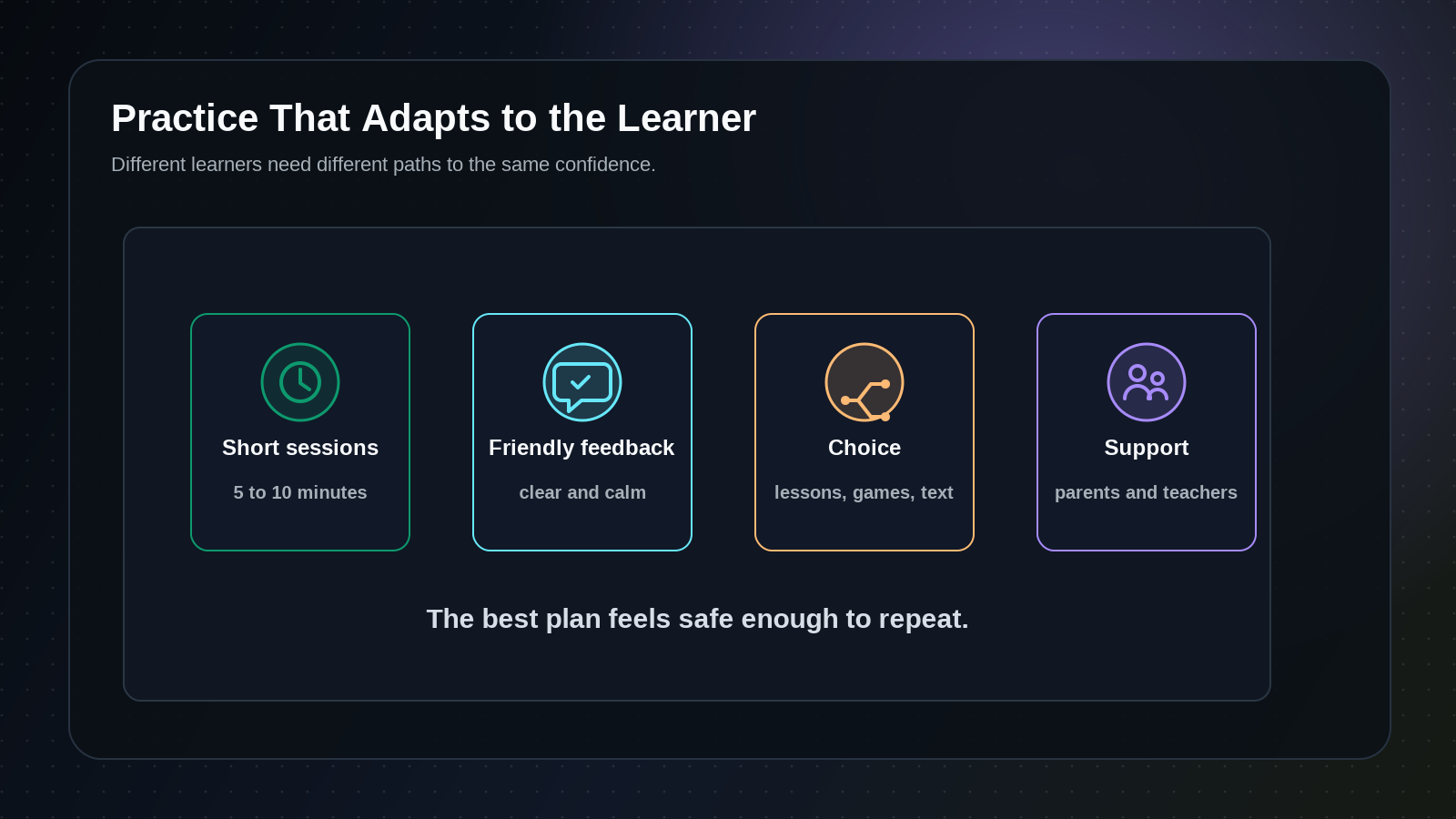
Does it teach keys in a fixed order, starting from the home row, rather than dropping the whole keyboard on the screen at once? Can a session end in five to ten minutes with a clear stopping point? Does it show the child their own progress rather than a public ranking? Is the text readable at their level? Can an adult see what was practised?
Ads and accounts matter too. A free site that shows advertising to children, or that needs a personal email to save progress, may be fine at home and unacceptable at school. Read each site's terms for age and student data before you decide, and confirm anything that matters on the official page, because plans and features change.
Picks by age band
Age bands are a rough guide, not a rule. A seven-year-old who already types and a twelve-year-old starting fresh may need the same lessons. The typing speed by age guide explains why no words-per-minute target belongs in this table.
| Age band | Start with | Why it fits | Watch for |
|---|---|---|---|
| 6 to 8 | A short, ordered lesson site: TypingClub, Typing.com, or the Keytopia lessons, five to ten minutes at a time | Keys arrive a few at a time, with big text and immediate feedback | Hand size and fatigue; stop early rather than push |
| 9 to 12 | The same lesson path, plus short real-text practice and one game a week | Reading is fluent, so meaningful words and sentences make practice stick | Speed chasing; keep accuracy in view and skip public rankings |
| 13 and up | Lessons to fix habits, then weak-key practice (Keybr or Keytopia practice) and a weekly short test | Teens often type already; the job is replacing hunt-and-peck with a finger map | Frustration in the slow middle weeks; measure glances and errors, not only WPM |
Whatever the age, the typing lessons for kids guide has the session shape and the break rules that make a plan safe to repeat.
Classroom features compared
The table lists what each site's official page describes at the time of writing. Treat it as a starting point and verify plans, ads, and student-data terms on the official sites linked under Sources.
| Site | Ordered lessons | Rosters and assignments | Progress views for teachers | Certificates | Cost | Ads |
|---|---|---|---|---|---|---|
| Keytopia | Yes, guided lessons with a 3D keyboard | Yes, classrooms with join codes, assignments with speed and accuracy goals | Yes, per class and per student | Yes, verifiable certificates | Free, including classrooms | None shown to students |
| Typing.com | Yes | Yes, teacher tools | Yes | Check the official page | Free version; some features in paid plans | Free version shows ads |
| TypingClub | Yes, a long fixed path | Yes, in the school edition | Yes, in the school edition | Check the official page | Free for individuals; school edition priced separately | Check the official page |
| Ratatype | Yes, simple lessons | Limited; built for individuals | Limited | Yes, a shareable certificate | Free | Check the official page |
| Keybr | No, generated weak-letter drills | No | No | No | Free | Check the official page |
| Monkeytype | No, a configurable speed test | No | No | No | Free, open source | None |
A blank "check the official page" is deliberate: where a site's own page did not state the fact clearly, this guide does not guess.
Typing assessment for schools: what to measure
Schools often ask for typing assessment software when what they need is a fair, repeatable measurement. Any site with a timed test can provide that if the rules stay fixed.
Measure four things. Accuracy first, because a fast score with many errors is not a skill the student can use. Speed second, on the same test length and text type every time; one to three minutes suits most ages. Independence third: does the student look at the keys, and can they recover from a mistake without an adult? Transfer last: does the typing hold up in a real writing task, not only in the test?
Compare each student with their own earlier result. A class average hides the beginners who improved most, and a leaderboard punishes exactly the students who need the practice. Record the test settings with every score so the next teacher can repeat it.
The 12-week typing lesson plan for teachers builds these checks into a term.
Keytopia for classrooms: what it does and does not do
This is a Keytopia article, so the scope is stated plainly.
What it does: an educator creates a free Institute account, opens a classroom, and shares a join code. Students join, and the teacher can assign lessons, practice, tests, games, and races with words-per-minute and accuracy goals, then review completion, recent results, and activity per class and per student. No advertising is shown to students. Students can earn verifiable certificates from the same account. The overview is on the typing for schools page.
What it does not do: it is not a full keyboarding curriculum with grade-level standards mapped lesson by lesson, it has no parent app, and it needs a physical keyboard, so tablets without one will not work. Students need their own accounts, which means the school's data policy applies; read the terms before enrolling a class.
If a school needs a longer fixed curriculum, compare TypingClub and Typing.com on the same four points: rosters, assignments, progress views, and data terms.
Free typing programs for schools, and what free means
"Free" means something different on each site, so ask three questions before rolling one out to a class.
Free for whom? Some sites are free for individual learners and charge for the school edition that holds the rosters and reports.
Free with what trade? A free version that shows advertising to children is a cost paid in attention and in data terms, even when no money changes hands.
Free for how long? Confirm that the features your class depends on, such as assignments or progress exports, are in the free plan today and not behind a trial.
Keytopia is free for educators and students, including classrooms and certificates, and shows no ads. Typing.com's free version shows ads and keeps some features for paid plans. TypingClub has a separate school edition. Confirm all three on the official pages, because this changes.
For a broader comparison of general-purpose typing sites, including Monkeytype, 10FastFingers, and TypeRacer, see the best typing practice websites comparison.
A simple way to run the first month
Whichever site you pick, the first month decides whether typing practice survives contact with a real timetable.
Week one: every student takes the same short baseline test, with the settings written down. Explain that it is a starting point, not a grade.
Weeks two and three: two or three sessions of ten minutes, lessons only, home row outward. No speed tests, no rankings.
Week four: the same baseline test again, then compare each student with their own week-one result. Praise fewer errors and fewer glances before praising speed.
Games fit at the end of a session as a reward, not as the lesson; the free typing games record speed and accuracy, so they can be assigned without losing the measurement. If the class is mixed, let the fast typists work on accuracy and real text while beginners stay on lessons.
FAQs
What is the best typing website for kids?
For most children, a site with ordered lessons and short sessions: TypingClub, Typing.com, or the Keytopia lessons. The best one is the one the child will return to, so pick for session length, readable text, and personal progress rather than for games or rankings.
Which typing website is best for schools?
The one whose classroom edition gives you rosters, assignments, progress views, and acceptable student-data terms. Compare Keytopia classrooms, Typing.com, and TypingClub on those four points and confirm plans and ads on each official page.
Is there a free typing program for schools?
Yes. Keytopia classrooms are free for educators and students, with assignments, progress views, certificates, and no ads shown to students. Typing.com has a free version with ads, and TypingClub has a separately priced school edition; check both official pages for current terms.
What age should kids start typing lessons?
There is no fixed age. Children who can read short words and sit comfortably at a keyboard for five minutes can start with the home row. Keep sessions short, skip speed targets, and let hand size and attention set the pace.
How do schools assess typing?
With a short timed test repeated under the same settings, measuring accuracy, speed, independence from looking at the keys, and whether the skill transfers to real writing. Compare each student with their own earlier result, not with a class leaderboard.
Sources
Independent research, official documentation, and source pages behind the claims above.
- Typing.com, official sitehttps://www.typing.com/
- TypingClub, official sitehttps://www.typingclub.com/
- Ratatype, official sitehttps://www.ratatype.com/
- Keybr, official practice sitehttps://www.keybr.com/
- Monkeytype, official typing testhttps://monkeytype.com/
Related Keytopia resources
Product pages and related guides from Keytopia. These are not independent evidence.
Key takeaway
Pick a site that teaches keys in order and keeps sessions short; for a class, judge the classroom edition on rosters, assignments, progress views, ads, and data terms. Assess with one fixed short test and compare students with themselves.
Free Keytopia typing test
Take the same baseline you would give a learner
See the learner result first-hand, including WPM, accuracy, consistency, weak keys, rhythm, and error recovery.
No account needed. Save your history after sign-in.
- PaceAverage, raw, peak and low WPM
- ControlAccuracy, errors, consistency and CPM
- TimingReaction, overlap, hold, rhythm and recovery
- PatternsTimeline, heatmap, word, key and bigram speed